Product roundup
AliExpress Portable Monitors: 8 Best Large Screens (2026)
Affiliate link
Affiliate links are used in this guide. We may earn a commission from qualifying purchases at no additional cost to you.
At a Glance: Top Picks
| Product | Key Feature | |
|---|---|---|
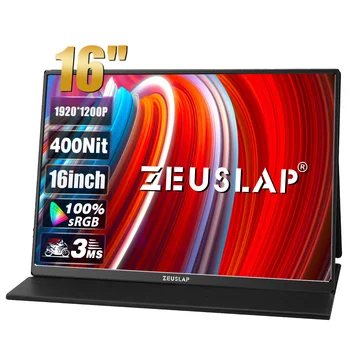 #1 ZEUSLAP 16" Portable Monitor | WQXGA (2560x1600) with 16:10 aspect ratio for extra vertical workspace. | Check price |
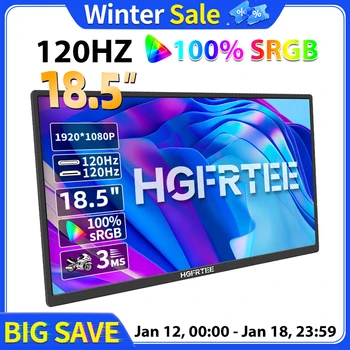 #2 HGFRTEE 18.5" 120Hz | Huge 18.5-inch IPS panel with 100% sRGB color gamut and 1920x1080 resolution. | Check price |
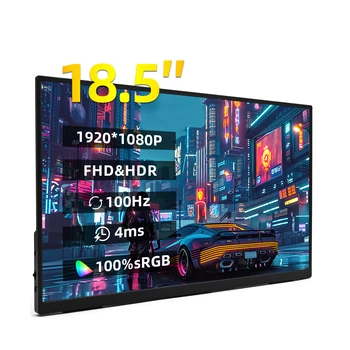 #3 ZSUS 18" 100Hz 1080P | Unexpectedly fast 100Hz refresh rate at a budget price point. | Check price |
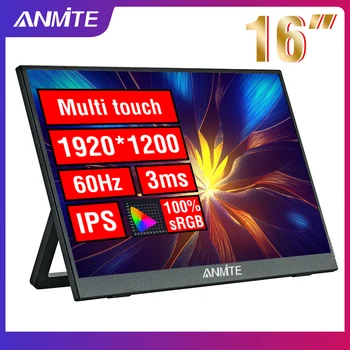 #4 Anmite 16" Touch Monitor | Highly responsive touch interface (Windows-friendly, macOS display-only). | Check price |
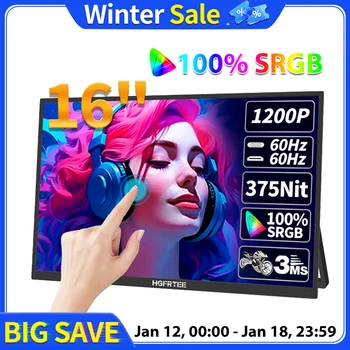 #5 HGFRTEE 16" Touch IPS | Lightweight but durable 400mm frame with a matte screen surface. | Check price |
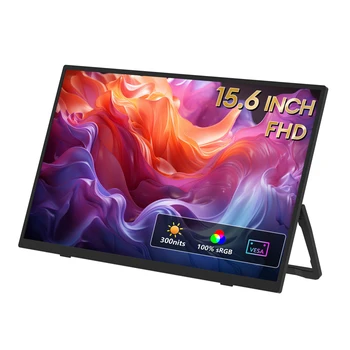 #6 ZEUSLAP 15.6" FHD 100% sRGB | 100% sRGB coverage - essential for amateur photo and video editing. | Check price |
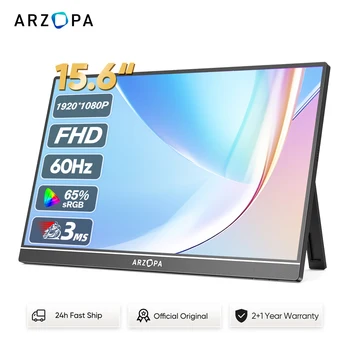 #7 ARZOPA 15.6" Portable Monitor | Premium Aluminum Alloy construction with a matte, anti-glare screen surface. | Check price |
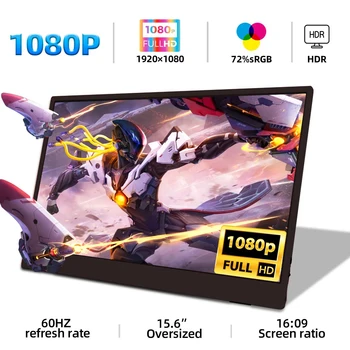 #8 ZSUS 15.6" 1080P Budget | One of the most affordable ways to add a standard 1080p second screen. | Check price |
ZEUSLAP 16" Portable Monitor
The gold standard for modern 16-inch multi-purpose displays.
Technical Specs
Resolution
WQXGA (2560x1600) with 16:10 aspect ratio for extra vertical workspace.
Compatibility Note
Mac OS, OnePlus, and LG phones do not support touch functionality on this model.
Bonus
Includes a versatile screen holder stand in the package.
Expert Review
HGFRTEE 18.5" 120Hz
A massive, high-speed display that rivals traditional monitors.
Technical Specs
Display Real Estate
Huge 18.5-inch IPS panel with 100% sRGB color gamut and 1920x1080 resolution.
Performance
120Hz high refresh rate and 3ms response time for gaming and smooth scrolling.
Tech
Features Adaptive Sync (FreeSync) to eliminate screen tearing.
Expert Review
ZSUS 18" 100Hz 1080P
Desktop-sized productivity on a strict budget.
Technical Specs
Refresh Rate
Unexpectedly fast 100Hz refresh rate at a budget price point.
Brightness
350cd/m² - bright enough for most office and indoor environments.
Sync
AMD FreeSync Pro support for flicker-free viewing.
Expert Review
Anmite 16" Touch Monitor
A responsive 10-point touch screen in a sleek 16:10 frame.
Technical Specs
Interaction
Highly responsive touch interface (Windows-friendly, macOS display-only).
Display
1200p (1920x1200) - high-density 16:10 ratio optimized for creative software.
Refresh Tech
Supports AMD FreeSync Pro to stabilize visuals during intensive tasks.
Expert Review
HGFRTEE 16" Touch IPS
Elegant design with robust touch support and 16:10 space.
Technical Specs
Build Quality
Lightweight but durable 400mm frame with a matte screen surface.
Color Accuracy
8-bit color depth and 1200:1 contrast ratio for punchy visuals.
Modes
Native support for vertical (portrait) orientation in system settings.
Expert Review
ZEUSLAP 15.6" FHD 100% sRGB
The reliable workhorse for business and student setups.
Technical Specs
Color Accuracy
100% sRGB coverage - essential for amateur photo and video editing.
Surface
Matte finish to significantly reduce reflections and glare.
Inputs
Universal HDMI-compatible and Type-C interfaces.
Expert Review
ARZOPA 15.6" Portable Monitor
The top selling portable monitor for a peak reliability.
Technical Specs
Build Quality
Premium Aluminum Alloy construction with a matte, anti-glare screen surface.
Performance
60Hz refresh rate with a fast 3ms response time and 1000:1 contrast ratio.
Design
Includes a built-in stand and dual speakers for a complete standalone setup.
Expert Review
ZSUS 15.6" 1080P Budget
Simple, effective, and extremely budget-friendly.
Technical Specs
Price Value
One of the most affordable ways to add a standard 1080p second screen.
Panel
IPS display ensures colors stay consistent from any viewing angle.
Speakers
Dual built-in speakers for basic multimedia use.
Expert Review
Choosing Your Large Portable Monitor
16:10 vs 16:9 Aspect Ratio
For large monitors, 16:10 (found on the 16" models) is superior for productivity. It provides extra vertical space for toolbars in Photoshop or more lines of code in VS Code. Use 16:9 primarily if your main goal is media consumption or console gaming.
Refresh Rate Myths
While 60Hz is the standard, upgrading to 100Hz or 120Hz (like the HGFRTEE models) makes a massive difference in how smooth macOS or Windows feels. It reduces eye strain during long working sessions.
Powering an 18.5" Screen
These massive screens consume more power than smaller 10.5-inch units. While a single USB-C cable may work, we recommend using a PD (Power Delivery) charger for the monitor to ensure stable brightness and prevent your laptop battery from draining too quickly.
Frequently Asked Questions
Related Shopping Guides
Last updated: January 23, 2026
As an affiliate, we earn from qualifying purchases made through the links on this page. Pricing on AliExpress can change based on current sales and coupons.