Product roundup
Best Laser Engravers on AliExpress (2026): 5W, 10W & 20W Picks
Affiliate link
Affiliate links are used in this guide. We may earn a commission from qualifying purchases at no additional cost to you.
At a Glance: Top Picks
| Product | Key Feature | |
|---|---|---|
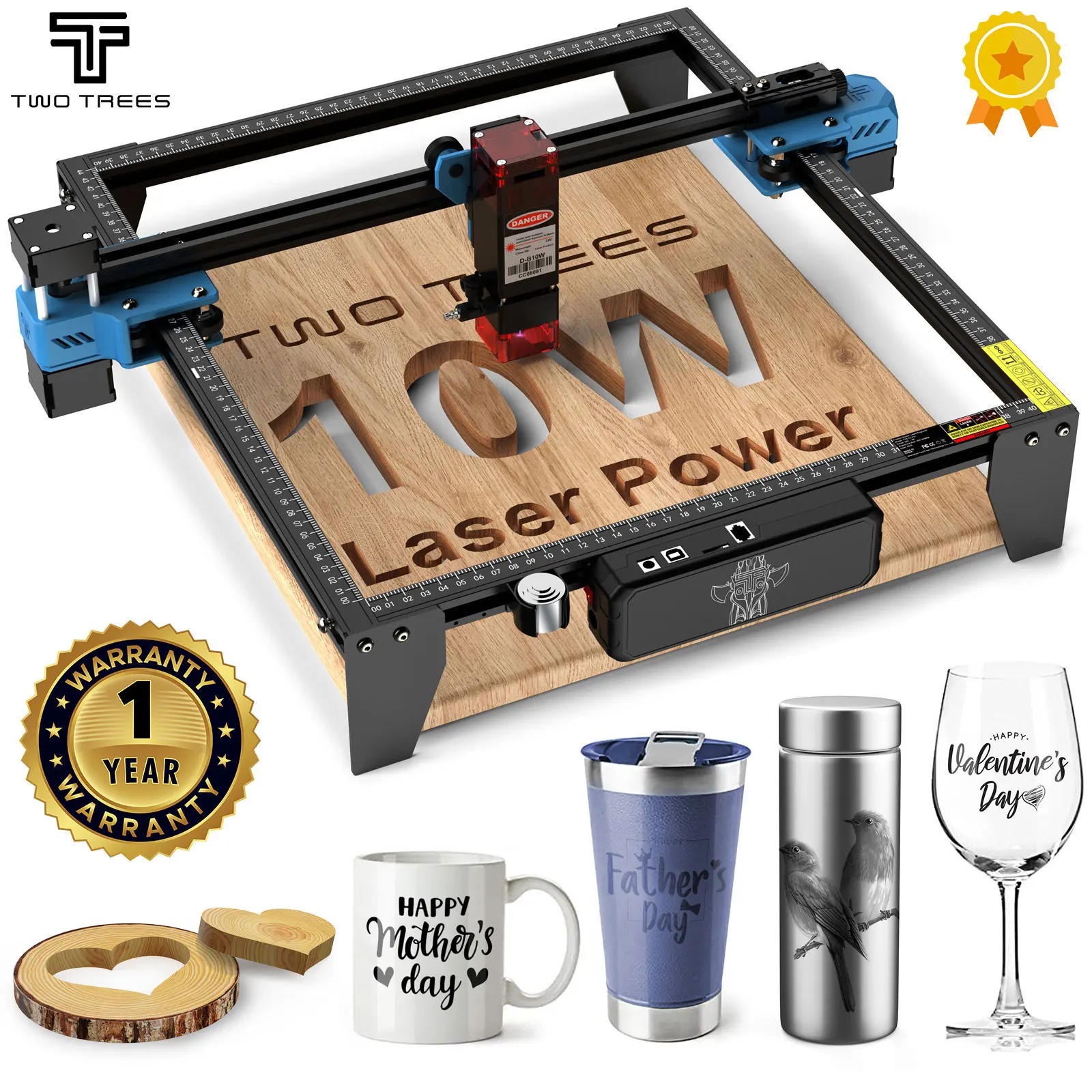 #1 TwoTrees TTS-10 Pro 10W Laser Engraver | 10W diode laser; the advertised 80W refers to machine input | Check price |
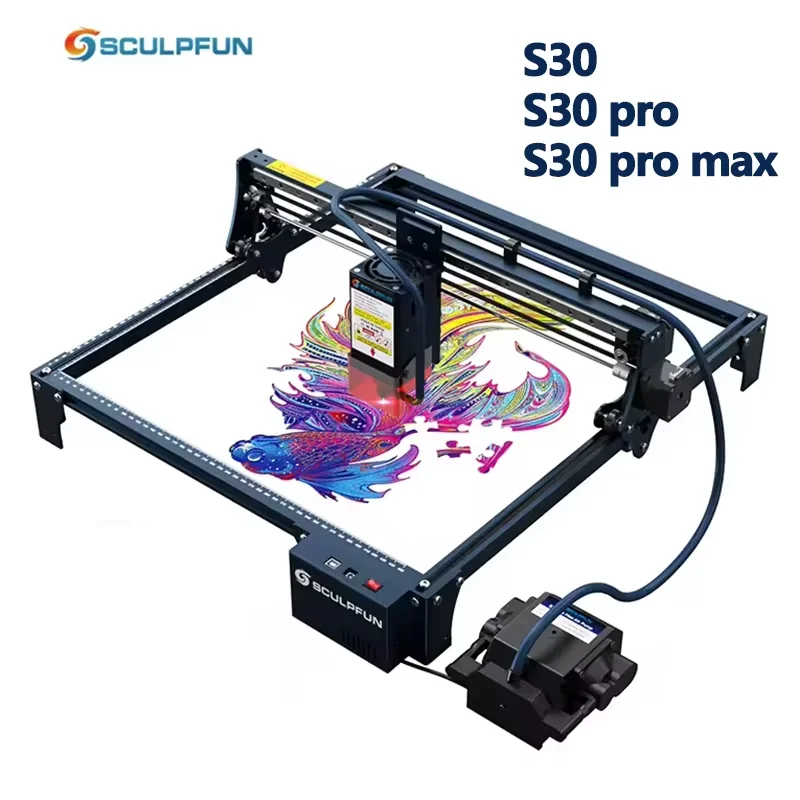 #2 SCULPFUN S30 Pro Max 20W Laser Engraver | 5W, 10W or 20W depending on the selected S30 variant | Check price |
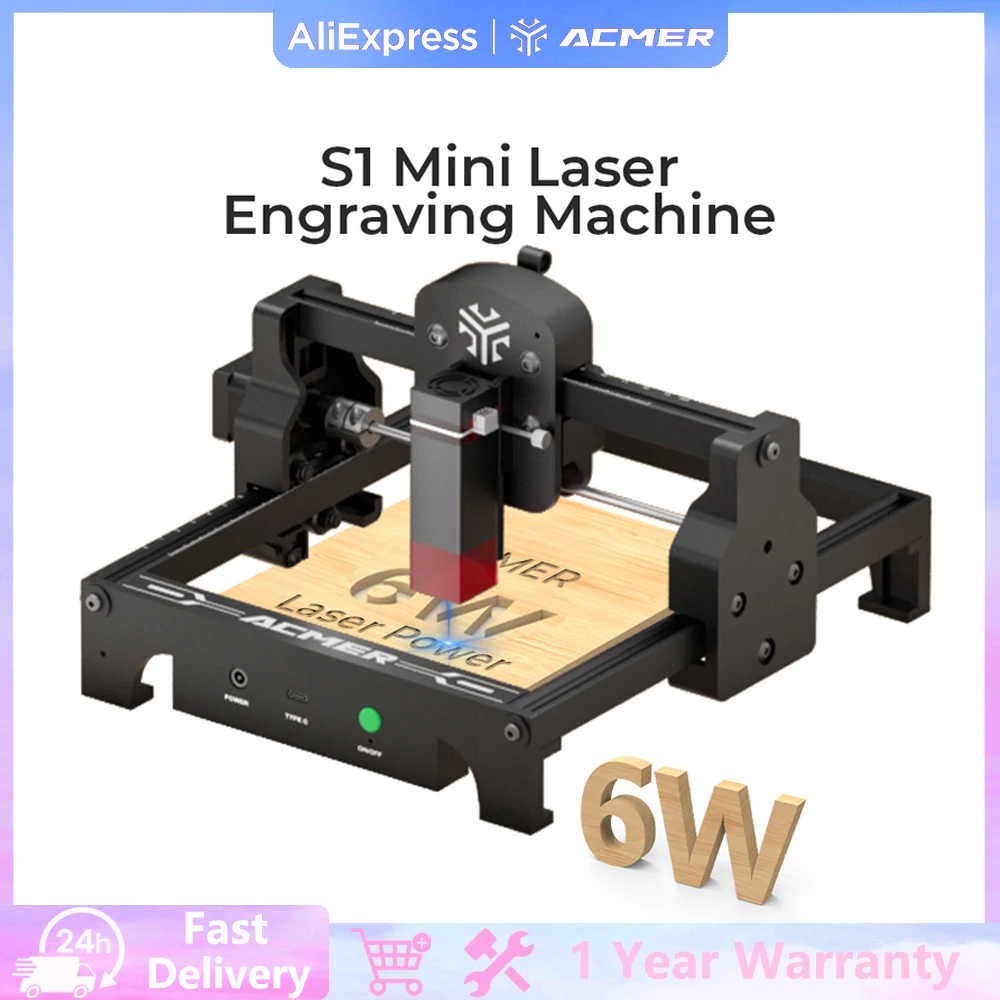 #3 ACMER S1 6W Mini Laser Engraver | 6W diode laser | Check price |
 #4 TwoTrees TTS-55 Pro 5.5W Laser Engraver | 5.5W diode laser; not 80W optical output | Check price |
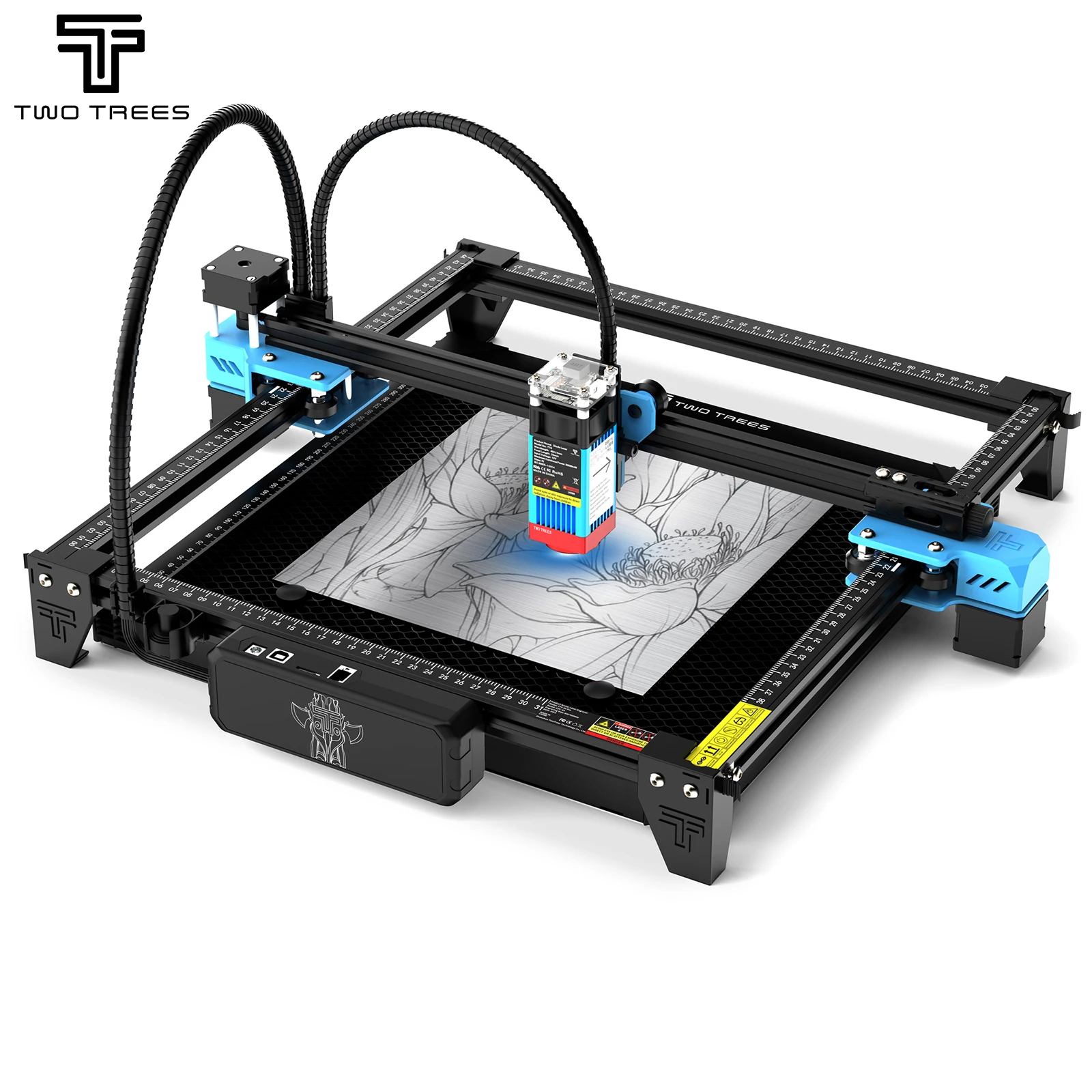 #5 TwoTrees TTS-55 5.5W Laser Engraver | 5.5W diode laser | Check price |
TwoTrees TTS-10 Pro 10W Laser Engraver
The strongest balance of useful optical power, desktop size and established software support.
Machine Details
Optical Output
10W diode laser; the advertised 80W refers to machine input
Working Area
Approximately 300 x 300mm
Best For
General engraving and lighter cutting work
Check Before Buying
Air assist, enclosure, honeycomb bed, plug and shipping origin
Why It Stands Out
SCULPFUN S30 Pro Max 20W Laser Engraver
The higher-output option with automatic air assist and a larger working frame.
Machine Details
Optical Output
5W, 10W or 20W depending on the selected S30 variant
Working Area
Approximately 410 x 400mm frame; usable area varies by model
Best For
Buyers who prioritise cutting and automatic air assist
Check Before Buying
Exact S30 model, enclosure, air pump, bed and warehouse
Why It Stands Out
ACMER S1 6W Mini Laser Engraver
A portable desktop machine for small logos, labels, ornaments and beginner projects.
Machine Details
Optical Output
6W diode laser
Working Area
130 x 130mm
Best For
Small crafts, logos and limited workspaces
Check Before Buying
Project dimensions, enclosure, extraction and included accessories
Why It Stands Out
TwoTrees TTS-55 Pro 5.5W Laser Engraver
A lower-cost open-frame engraver with Wi-Fi and offline-control options.
Machine Details
Optical Output
5.5W diode laser; not 80W optical output
Working Area
Approximately 300 x 300mm
Best For
Detailed engraving and occasional thin-material cutting
Check Before Buying
Offline controller, air assist, bed, enclosure and plug
Why It Stands Out
TwoTrees TTS-55 5.5W Laser Engraver
A basic 5.5W entry point for learning laser engraving without paying for stronger cutting power.
Machine Details
Optical Output
5.5W diode laser
Working Area
Approximately 300 x 300mm
Best For
Learning, surface engraving and light hobby use
Check Before Buying
Total price after adding enclosure, extraction, bed and air assist
Why It Stands Out
How to Choose a Laser Engraver on AliExpress
Compare Optical Output, Not Headline Wattage
A listing may call a machine 40W or 80W while its laser produces only 5.5W or 10W of optical output. Optical power is the useful number for comparing engraving and cutting performance.
Plan the Enclosure and Extraction First
Open-frame diode lasers expose users to laser light, smoke and fumes. Use a suitable enclosure with extraction to a safe outdoor location and follow the manufacturer's safety requirements.
Never Leave a Laser Running Unattended
Wood, card, leather and residue can ignite. Work on a fire-safe surface, keep the machine supervised and have suitable fire-response equipment immediately available.
Check Materials Before Engraving
Do not laser unknown plastics. PVC and vinyl can release corrosive, toxic gases. Blue diode lasers also struggle with clear acrylic and do not cut bare metal like an industrial fibre or CO2 laser.
Price the Complete Setup
The machine is only part of the cost. Compare the delivered price after adding an enclosure, extraction, honeycomb bed, air assist, rotary attachment, software and any required import charges.
How These Laser Engravers Were Selected
“The shortlist uses live AliExpress listings for distinct, established machines and checks their specifications against manufacturer information. Duplicate marketplace listings for the same TwoTrees models were excluded.”
Real Optical Power
Each machine is classified by its 5W, 5.5W, 6W, 10W or 20W optical output rather than the larger electrical-input figure used in some listing titles.
Different Buyer Needs
The final choices cover compact projects, budget engraving, better connectivity, balanced 10W use and stronger 20W cutting.
Complete-Setup Practicality
Working area, air assist, enclosure requirements, software and accessories are considered alongside laser power.
Frequently Asked Questions
Related Shopping Guides
Last updated: July 30, 2026
Product titles, photographs and specifications were checked on July 30, 2026 and can change. Product photographs and listing details are supplied by AliExpress sellers. Laser engravers can cause eye injury, fire and hazardous fumes. Follow the manufacturer's instructions, use suitable protective equipment, enclosure and ventilation, and verify the selected bundle and local safety requirements before purchasing or operating a machine. We may earn a commission from qualifying purchases.